Create a Solana Token in Minutes (No Coding Required)
Launching a crypto token used to require technical knowledge, command-line tools, and careful private-key management. Today, thanks to modern tools, you can create a fully configured Solana token in just a few minutes.
If you're looking for a fast and simple way to launch your token, you can use https://tools.idxsolana.io/ — a platform designed to create tokens on Solana without complex setup or coding.
Solana is one of the most popular blockchains for token creation because of its fast transaction speeds, low fees, and growing ecosystem. Tokens created on Solana integrate easily with wallets, decentralized exchanges, and analytics platforms like Dexscreener, making it easier for projects to gain visibility and liquidity.
Why Create Tokens on Solana?
Solana offers several advantages for token creators:
- Ultra-low transaction fees
- High-speed transactions (thousands per second)
- Large ecosystem of DeFi and trading platforms
- Easy integration with wallets and DEXs
- Strong analytics and tracking tools
Because of these benefits, SPL tokens are widely used for community tokens, DeFi projects, gaming assets, and experimental crypto launches.
The Old Method: Creating Tokens the Hard Way
Traditionally, launching a token required installing developer tools such as:
- Solana CLI
- SPL Token CLI
Developers had to manually run commands like:
spl-token create-token
spl-token create-account
spl-token mint
This approach required:
- Writing scripts
- Managing private keys securely
- Configuring mint and freeze authorities
- Running multiple blockchain transactions
- Maintaining technical infrastructure
For many users, this process was time-consuming and difficult, especially for those without blockchain development experience.
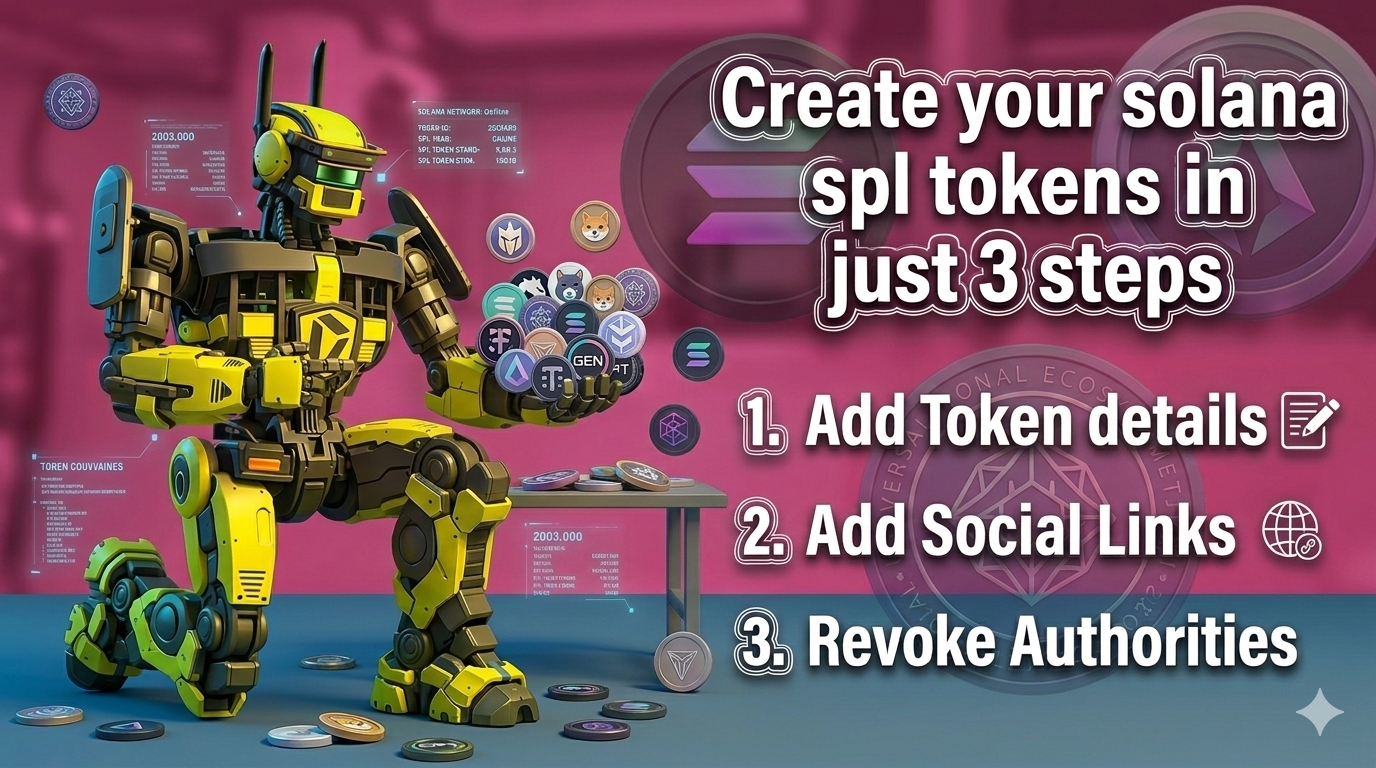
The Modern Way: Create a Solana Token in 3 Simple Steps
Using https://tools.idxsolana.io/, you can launch a token quickly through a simple interface without coding.
The entire process is reduced to three easy steps.
Step 1: Token Details
Enter the basic information for your token:
- Token name
- Token symbol
- Total supply
- Decimals
- Token logo
The platform automatically handles token creation on the Solana blockchain.
Step 2: Add Social Links & Tags
Add your project’s social and branding information:
- Website
- Twitter / X
- Telegram
- Project description
- Tags
These details help your token appear properly on analytics platforms like Dexscreener, making it easier for traders and communities to discover your project.
Step 3: Revoke Authorities
For security and transparency, the platform allows you to revoke important token authorities instantly:
- Mint Authority – prevents creating additional tokens
- Freeze Authority – prevents freezing token accounts
- Update Authority – locks metadata permanently
Revoking these authorities increases trust and transparency for investors and community members.
Why Use IDX Solana Tools?
Compared to the traditional CLI method, using https://tools.idxsolana.io/ offers several advantages:
Traditional Token Creation | IDX Solana Tools |
Requires CLI installation | No installation required |
Manual private key handling | Secure wallet integration |
Multiple technical commands | 3 simple steps |
Developer knowledge needed | Beginner friendly |
Instead of spending hours writing scripts and configuring commands, you can launch your Solana token in minutes.
Start Creating Your Token
If you want to create a token quickly without technical complexity, visit:
With just a few steps, you can launch a fully configured Solana token and integrate it into the growing crypto ecosystem.
Tips for Token Creators on Solana
- Secure Token Authorities: Protect your wallet and private keys. Consider revoking mint, freeze, and update authorities after launch to increase trust.
- Plan Token Supply: Decide your total supply before launch to maintain transparency and avoid unexpected inflation.
- Add Social Links: Include your website, Twitter/X, and Telegram so users can verify and follow your project.
- Add Liquidity Pool: Create a liquidity pool on a DEX so users can easily buy and sell your token.
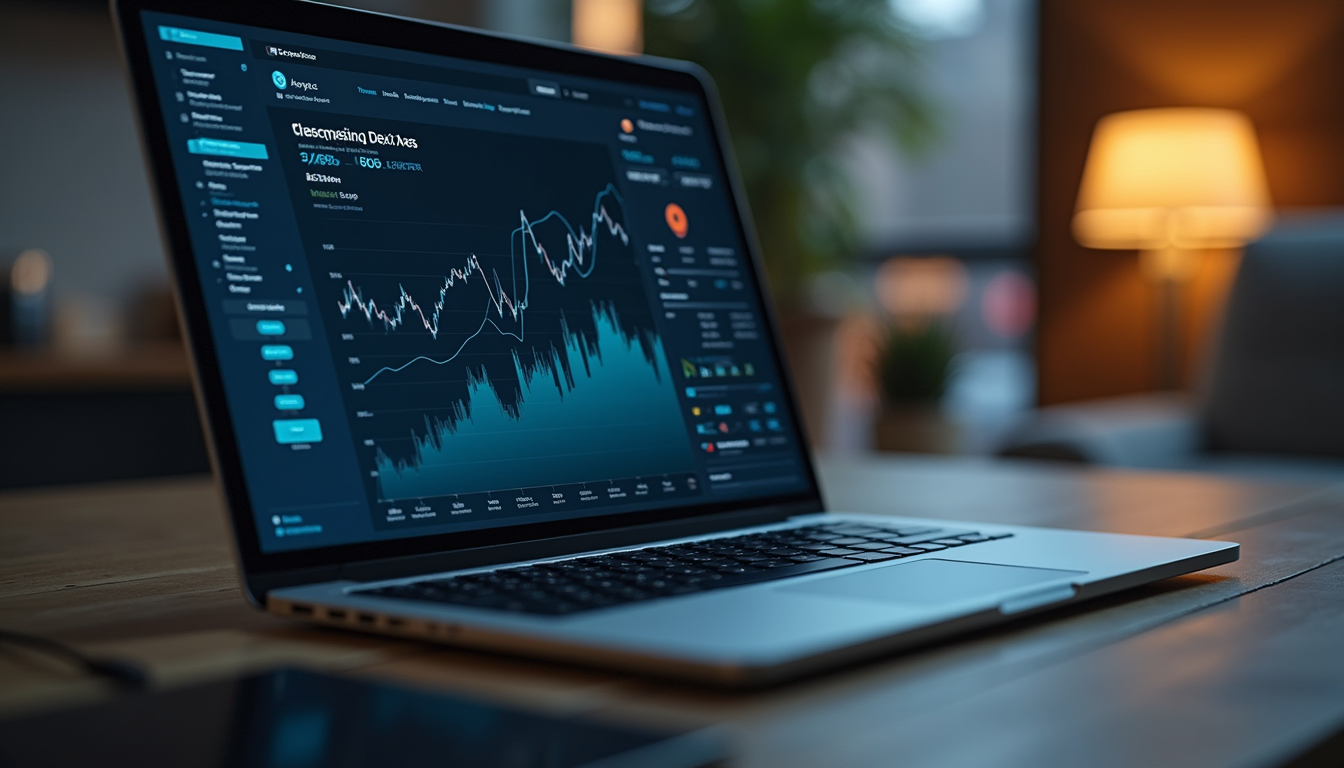
- Track Token Performance: Monitor your token using tools like Dexscreener to track price, volume, and liquidity.