IDX
Liquidity
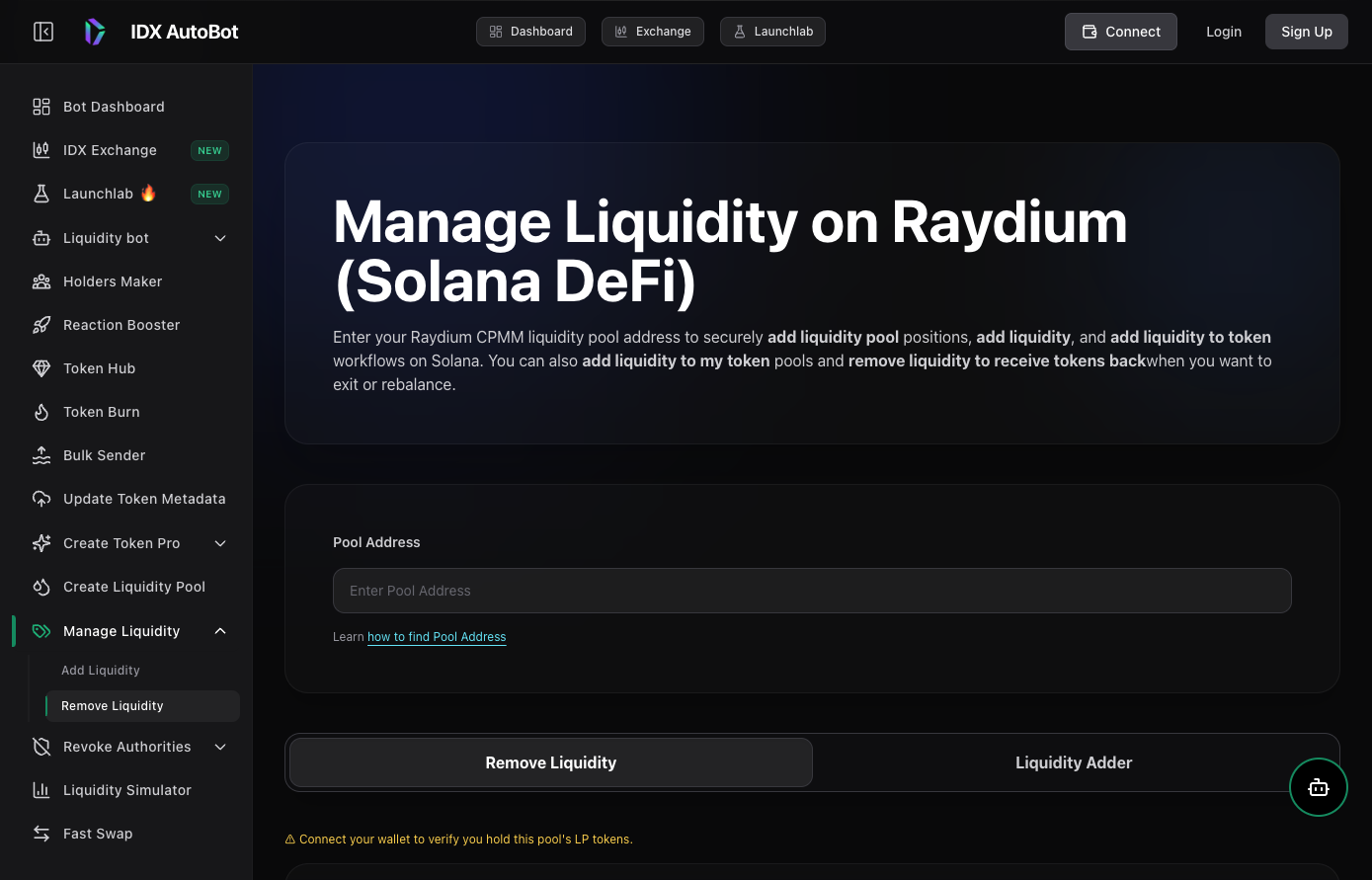
Remove Liquidity on Raydium
Burn LP tokens and withdraw underlying assets from Raydium-style pools with IDX manage-liquidity tools — clear sizing and wallet confirmation flows.
Overview
What happens when you remove liquidity
Removing liquidity redeems your LP share for the underlying assets based on the pool’s current balances. IDX Tools walks through validation, amount selection, and wallet confirmation.
Audience
Who it’s for
LPs rebalancing or exiting positions
Token treasuries managing pool exposure
Teams winding down or migrating liquidity
Features
Safer LP exits
Validate before you sign
Confirm LP balance and pool context before choosing how much to remove.
Partial or full exits
Size reductions to match treasury policy — you are not forced into an all-or-nothing click.
Works with the liquidity suite
Pair with add-liquidity, lock, and pool creator guides for full lifecycle management.
How it works
How to remove liquidity
Open remove liquidity in Tools
Connect your wallet and locate the LP position you control.
Validate LP balance
Confirm amounts and expected assets before proceeding.
Choose amount and confirm
Sign the wallet transaction and verify received assets on-chain.